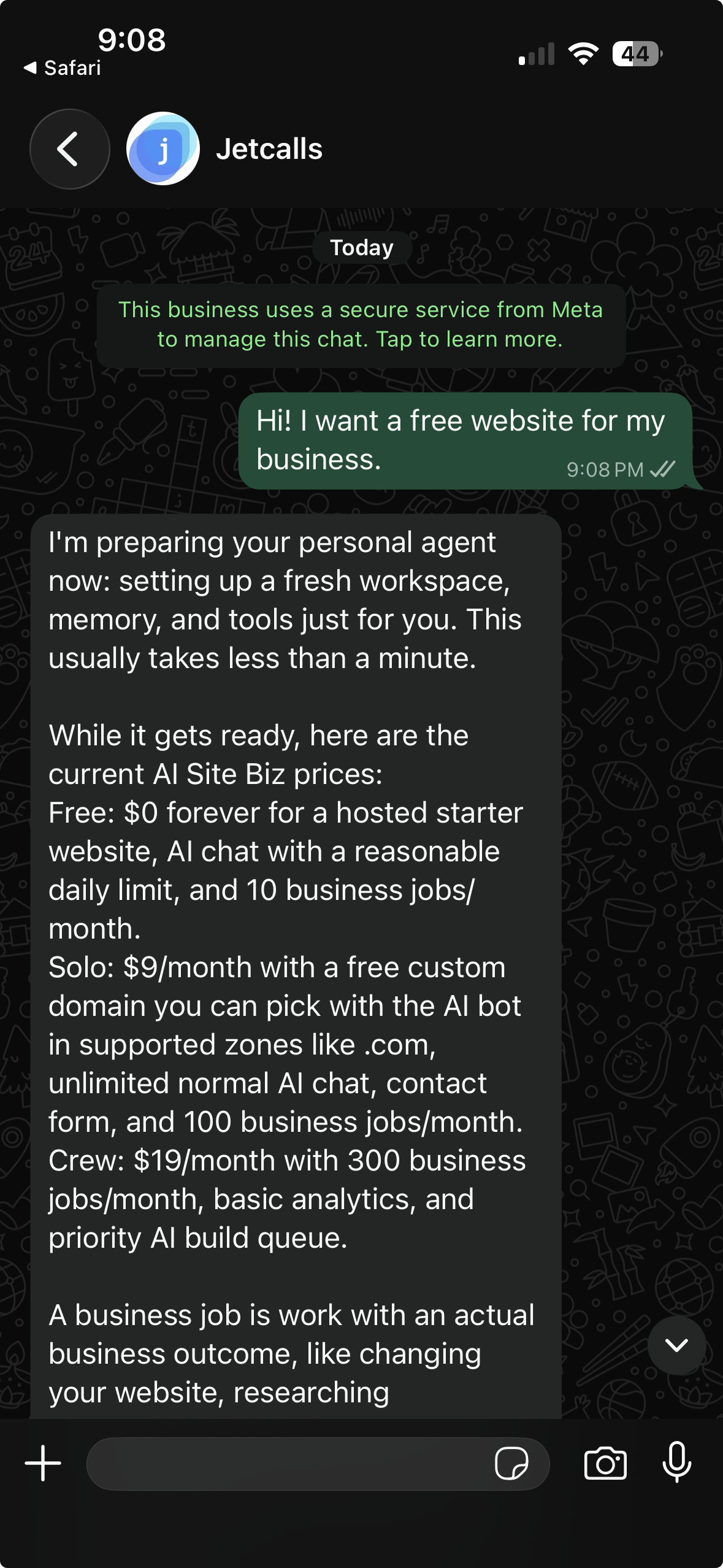
 Chat on WhatsApp
Add a Service
Add a new service page or section from one WhatsApp message.
"Add drain cleaning. Same-day calls in Tampa."
A service page or section with clear customer copy and search-ready structure.
How it works
You send the new service, where you offer it, and any important details customers should know.
AI Site Biz drafts copy for the service, adds it to the right part of the site, and keeps the wording clear enough for customers, Google, Maps, and AI tools.
This is a common update for the WhatsApp website builder and the AI website builder for local service businesses. If the service only applies in certain cities, pair it with add a service area.
What we ask for
- Service name
- Service area
- Emergency, same-day, seasonal, or regular availability
- Photos if you have them
- Any limits or exclusions
Business-job limits
Service copy, page setup, and related site edits can use monthly business jobs. AI Site Biz tells you before a request uses one, and current limits are listed in pricing.
Owner approval
You review customer-facing claims before the new service goes live.